
Documents Live, a web authoring and publishing system
Documents Live, a web authoring and publishing system
If you see this, something is wrong
First published on Saturday, Mar 29, 2025 and last modified on Saturday, Mar 14, 2026
You can create figures with an image and a caption the standard way. Here is the code:
\begin{figure}
\includegraphics{algorithm-photo.jpeg}
\caption{Vintage computing}
\end{figure}
and here is the result:

The optional parameters for \includegraphics, which are positioning parameters, are ignored.
You can also use a URL for the \includegraphics parameter, to include a remote image. Here is the source code:
\begin{figure}
\includegraphics{https://upload.wikimedia.org/wikipedia/commons/e/ec/Carl_Friedrich_Gauss_1840_by_Jensen.jpg}
\caption{A remote image: portrait of Carl Friedrich Gauss}
\end{figure}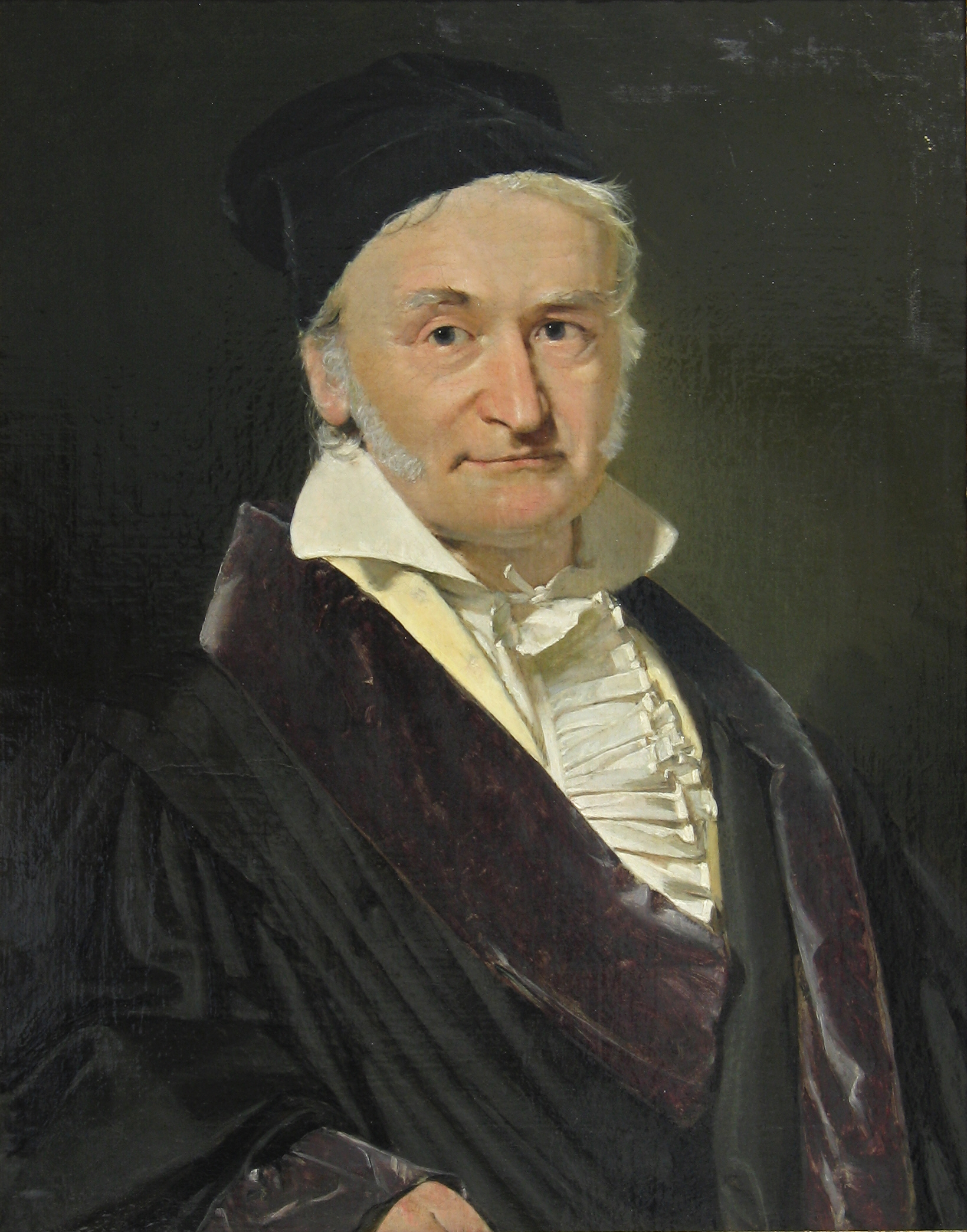
You can use png, jpg (or jpeg), svg or gif image files or links. Note that animated gifs work:

\includegraphics in running text or math
You can also use the \includegraphics command inside reunning text. Here is an example with an SVG graphic: 
and here is the code for the previous segment:
You can also use the \includegraphics command inside reunning text. Here is an example with an SVG graphic: \includegraphics{creating a nft picture.svg}This also works in displaymath.
Documents Live provides a simpler way to include images using the image environment.
\begin{image}
\url{fathers-day-composition.jpeg}
\alt{Sepia photos in a book.}
\end{image}
\url can point both to a remote image or to a local file.
\alt is used for HTML purposes and also provides the caption for the image. A separate \caption command is not parsed for compatiblity reasons with the Markdown syntax.

Documents Live lets you use an image as a link to a URL with the imageLink environment.
\begin{imageLink}
\imageUrl{https://upload.wikimedia.org/wikipedia/commons/e/ec/Carl_Friedrich_Gauss_1840_by_Jensen.jpg}
\url{https://en.wikipedia.org/wiki/Carl_Friedrich_Gauss}
\alt{Carl Friedrich Gauss}
\caption{Have look at the Wikipedia page on Gauss.}
\end{imageLink}
\imageUrl is the URL of the image (it can be the name of a local file).
\url is the URL the image points to. It will be opend in a new tab/window.
\alt is used for HTML.
\caption provides the caption. It not present, \alt is used.
The most usual way to upload images in to have them in the document archive that you upload at the beginning of the project. The following file formats are supported natively for images: png, jpg (or jpeg), svg and gif.
If your document uses pdf or eps files, it is better to convert the to one of the previous file formats, since neither pdf nor eps are natively supported in the Web.
However, if there are still pdf or eps image files in your upload, Documents Live will give you the possibility to convert them to the png format. Documents Live relies on the ImageMagick software on top of Ghostscript to convert the file. Depending on the image complexity, this may cause the Documents Live session to become un-responsive; this is why it is advised to only convert files below 200 KB in size.
At any time, you can convert the pdf or eps files in your project by selecting the "Convert PDF files" item of your document’s action menu.
You can upload media files to your project using the "Upload media" item of the action menu on your document’s dashboard. This option is also available when browsing the document web view or when using the Inline Editor.
The same observations on the choice of file formats apply as when uploading a project archive.
Note that you are not required to upload the media files one by one; you can also upload a zip archive containing your files.
It is sometimes useful to use the URL of an image file. To get the URL, use the "Get image URL" item in the document’s action menu. You will be presented a gallery of the images in your project. Clicking on an image will copy its URL to the clipboard.